01
Download
One installer, about 90 MB. It installs for your user only and opens the launcher when it is done.
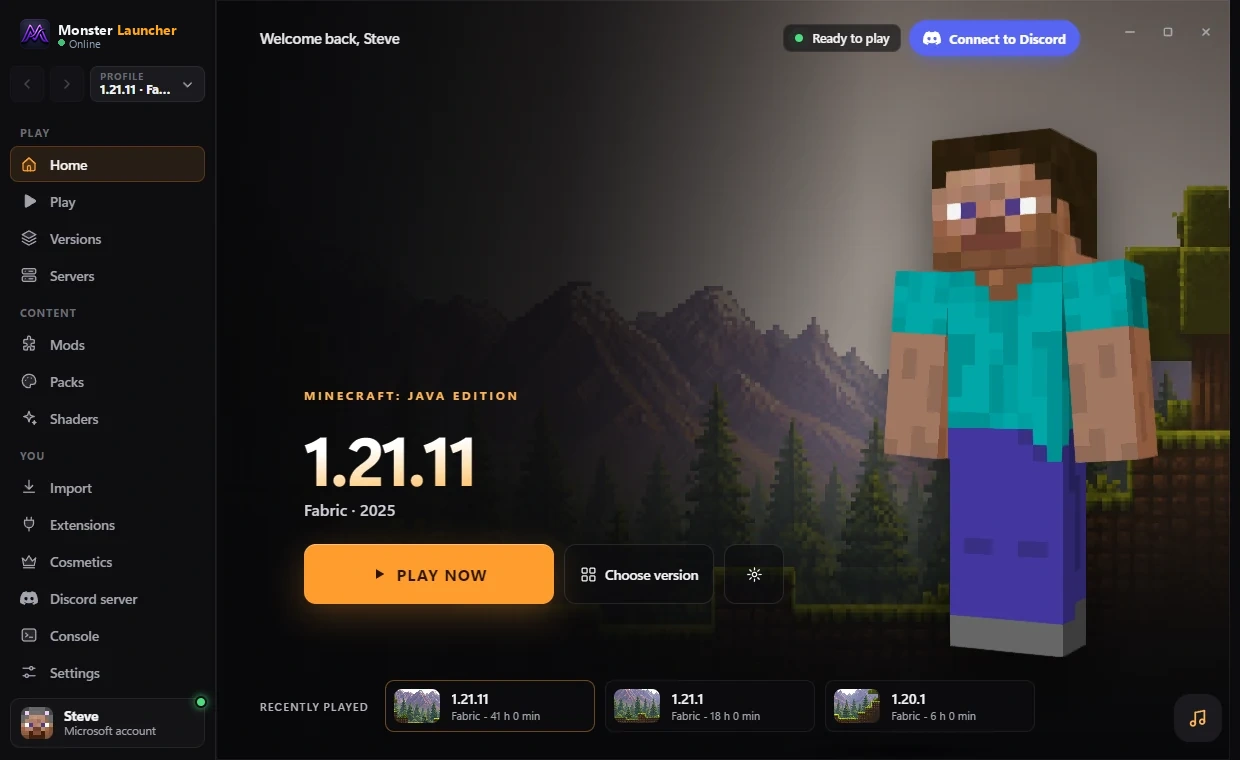
Monster Launcher installs Java for you, adds the optimization mods that fit your version, and puts a HUD in the game that you can drag around with your mouse.
How it works
One installer, about 90 MB. It installs for your user only and opens the launcher when it is done.
Use your Microsoft account. Monster Launcher downloads the right Java for each Minecraft version by itself.
Pick a version and press Play. The HUD comes with the game, and the launcher keeps itself updated.
HUD
FPS, CPS, ping, coordinates, armor, potion effects, keystrokes and more. Every module has its own settings, and in the in-game editor (Right Shift) you drag them wherever you want.
Try it: click the modules under the preview.
Illustration only: the numbers here are simulated. In the game they come from your computer.
The launcher
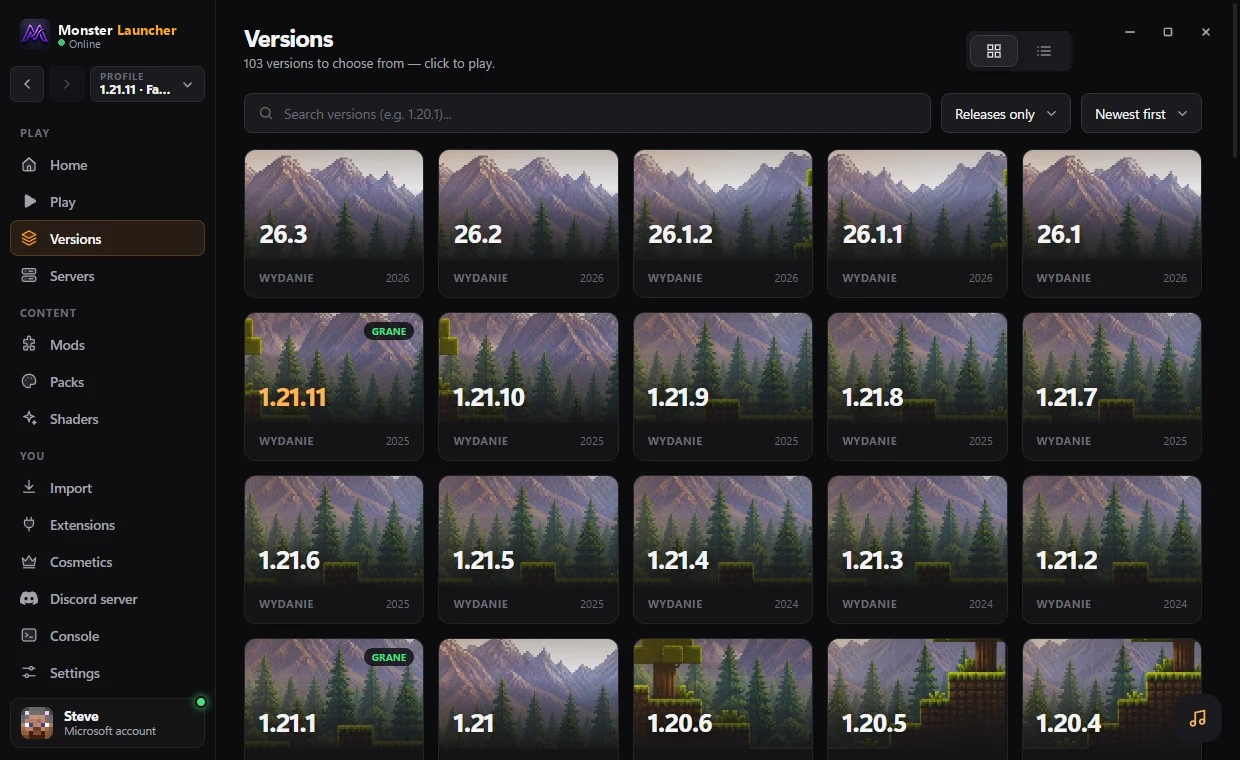
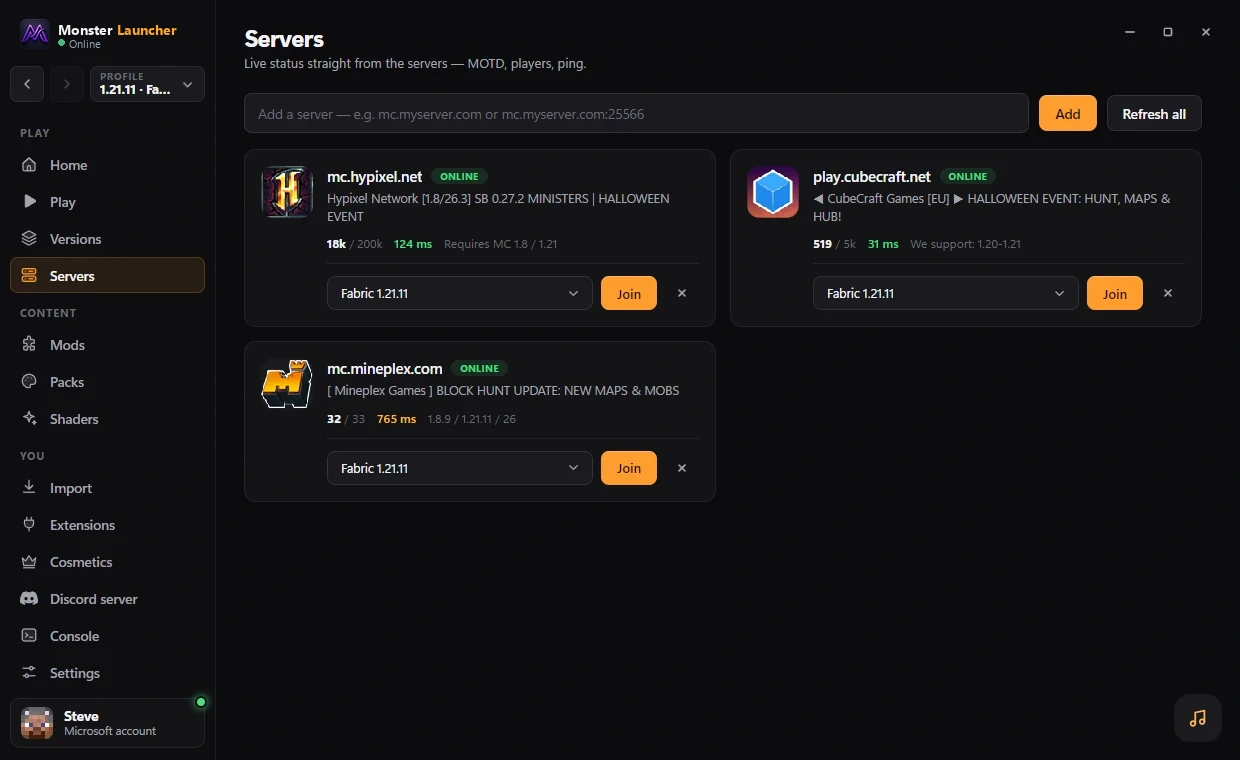
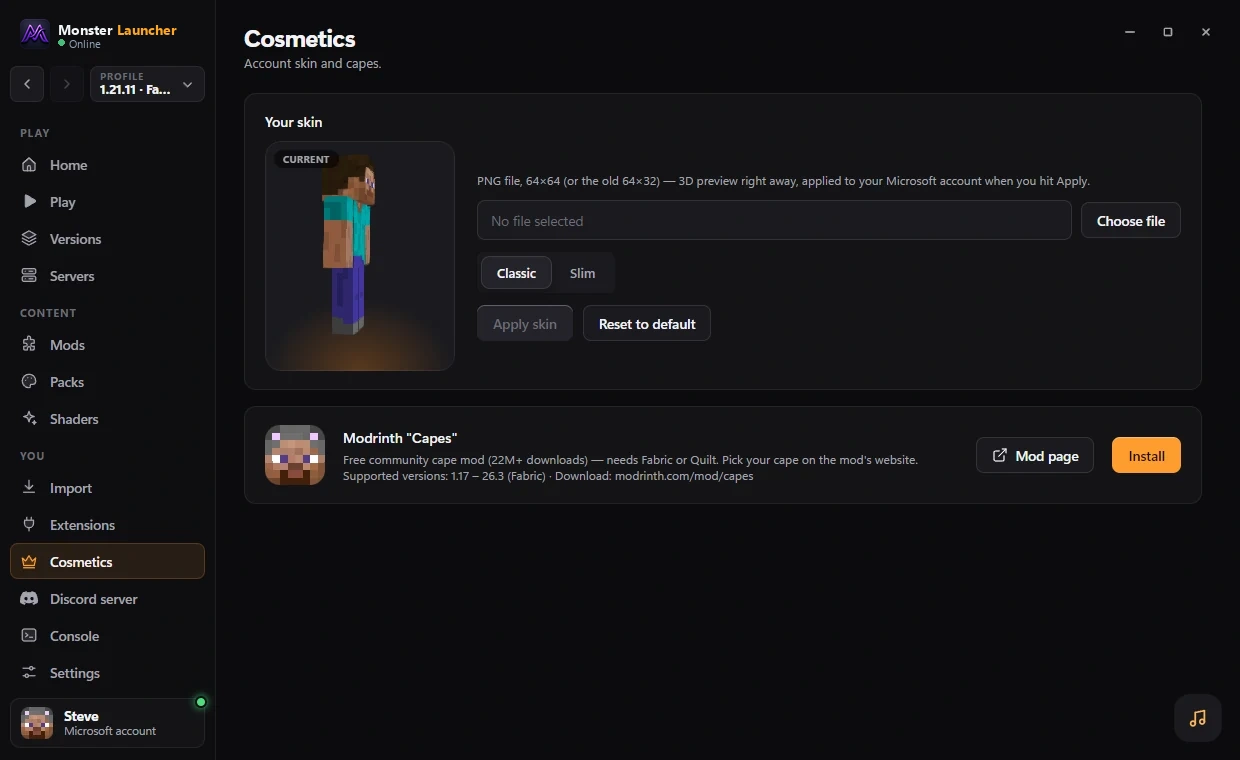
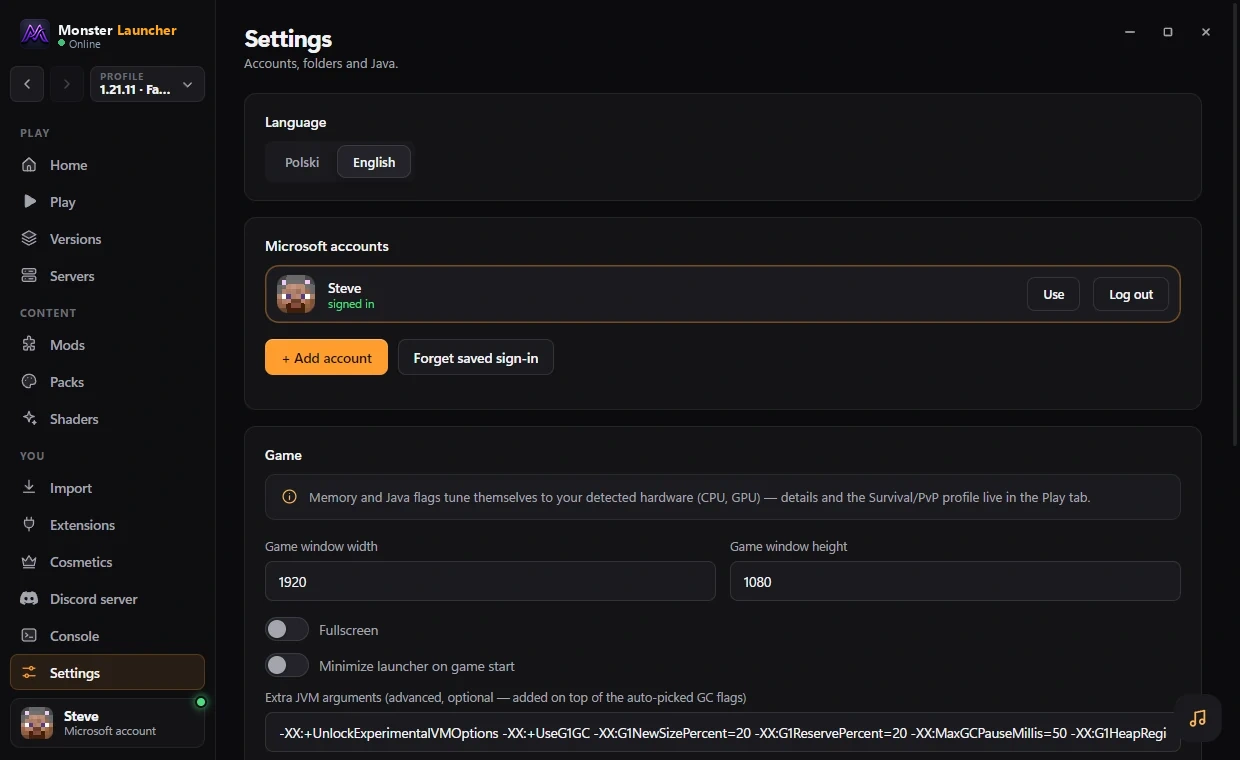
Recently played versions, your Microsoft account and a Play button. Java is downloaded for you.
Features
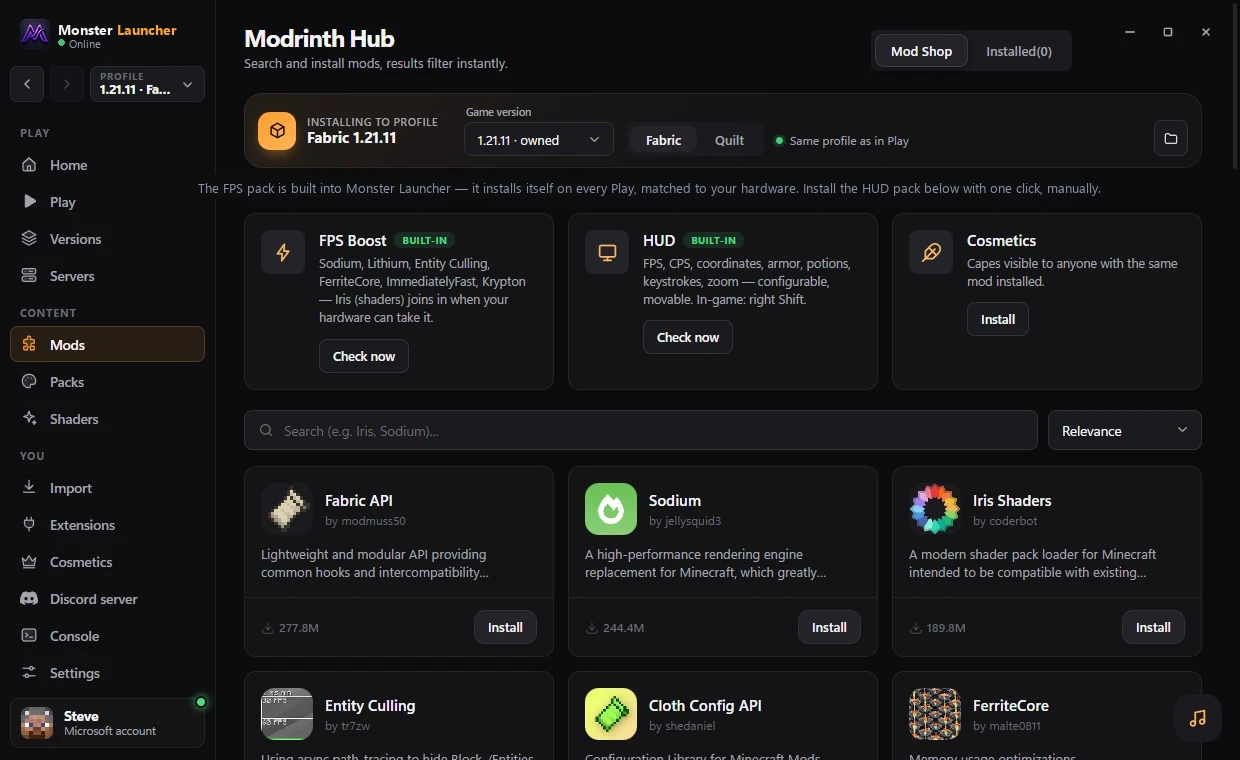
On Fabric and Quilt, Monster Launcher installs well-known optimization mods for your version (Sodium, Lithium, FerriteCore and others). Results depend on your PC, so we do not promise numbers.
Versions
The HUD is built separately for each one and the launcher picks the right file for the instance. It runs on Fabric and Quilt. Vanilla instances start fine, they just load no mods. Hover a slot to see which releases it covers.
Extensions
The Monster Launcher Media Bridge is a small browser add-on for Brave, Chrome, Edge, Opera and Vivaldi. It shows what you are playing in a Now playing widget with controls and synced lyrics.
A live preview of the widget: cover, time, controls and a karaoke lyrics bar that fills as the line is sung. Drag the bar to seek, switch between YouTube and Spotify with tabs, resize it with the + and − buttons.
The launcher installs it for you step by step (Extensions tab). Browsers do not allow silent installs, so you confirm Developer mode and Load unpacked once.
In the launcher open the Extensions tab and pick your browser.
Press "Open extensions page" and switch Developer mode on (top-right, in Edge bottom-left).
Press "Load unpacked" and choose the folder the launcher opened.
Open YouTube or Spotify Web. The Now playing widget shows the song, cover and live lyrics.
Download
Windows 10 / 11, 64-bit. Free. Installs for your user only (no administrator rights). After the first install, new versions update from inside the launcher, and each update is checked against a published SHA-256 before it runs.
Download for WindowsAbout 90 MB
What is new in 1.1.5
Good to know
Monster Launcher is made by one independent developer and is not code-signed yet. A signing certificate costs hundreds of dollars a year, so Windows SmartScreen says “unknown publisher” and Windows Defender may flag a brand-new, unsigned installer. That means unknown, not harmful.
Changelog
FAQ
Yes. The launcher, the HUD and the built-in features are free.
One installer, it updates itself, it is free. Windows 10 / 11. Current version v1.1.5.